How to Use Our App
Follow these steps to sign up, save toward your rent goal, and unlock support when you're eligible.
Download the app to follow along step by step
Create your account
Sign up with a valid email. Verify with the OTP we send, then create a secure password (min 8 characters, one number, one symbol). By signing up you accept our Terms of Service, the Cooperative's Bye-laws, and Associate Membership terms.
Verify your BVN
Enter your 11-digit BVN. We validate it with our KYC provider. Once verified, you'll see: "BVN verified successfully. Let's get to know your rental needs."
Complete rental questions
Answer: (1) How many properties do you pay rent for? (2) What is your current monthly or annual rent? (3) What is your monthly income? We then create a personalized savings plan.
Start a Rent Goal
Set your rent amount, duration (6–12 months), and payment frequency. We auto-generate your savings plan, progress bar, and repayment simulation.
Save your required share
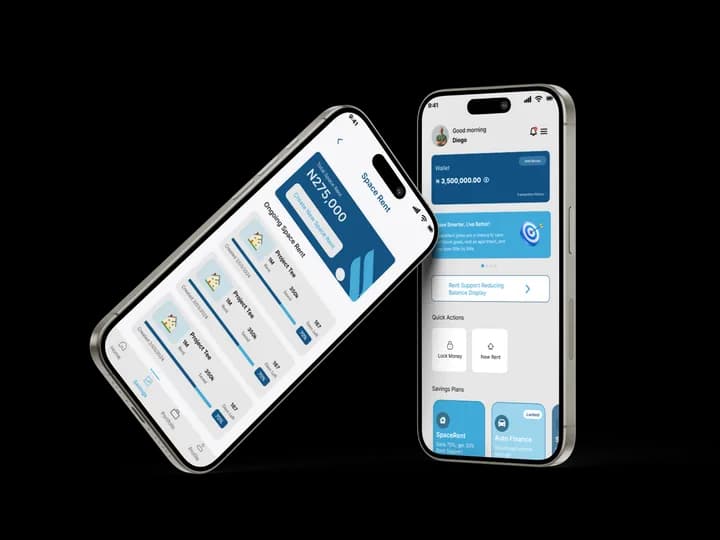
Fund your SpaceWallet via your unique virtual account (DVA). We track every contribution. In Cycle 1 you save 70% of rent; Cycle 2 is 50%; Cycle 3+ is 30%. When you reach that share, you become eligible for rent support and we'll notify you.
Apply for support & repay
Upload required documents (ID, proof of address, landlord info, income evidence, guarantor). Once approved, 100% is disbursed to your landlord. You repay the support over five monthly instalments: equal principal plus a 2.5% service charge on the remaining balance. That charge is not interest. We try your wallet first, then Remita if needed.
